Master module

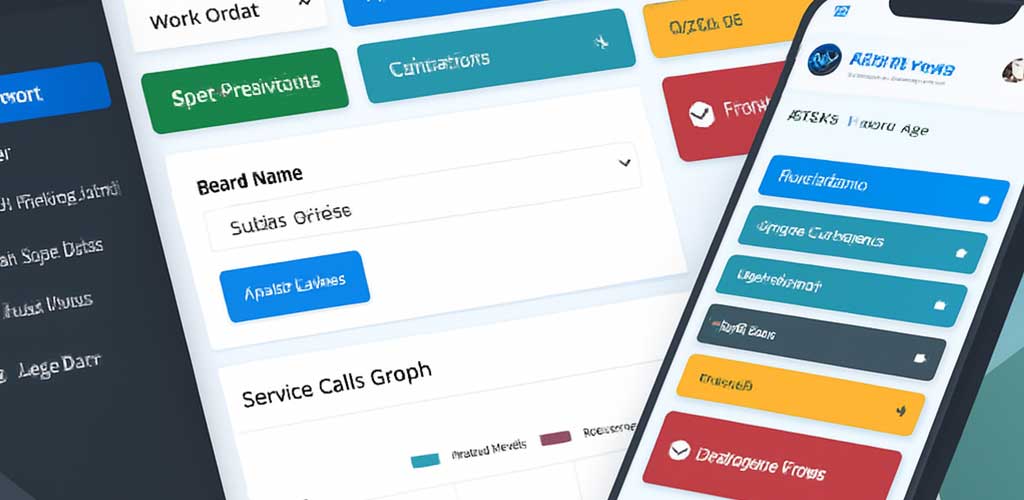
The Master module serves as the configuration backbone of the entire system. It defines reusable data structures, dropdown values, templates, roles, and validation rules that power every other module. Think of it as the control panel for your platform’s semantics and behavior.

Administrators can create and manage master records for asset categories, service types, vendor lists, location hierarchies, and more. These records ensure consistency across modules and reduce manual entry errors.

It supports multilingual labels, icon mapping, and UI customization, allowing you to tailor the interface to your organization’s branding and terminology.

Changes made in the Master module instantly reflect across all dependent modules, making it a powerful tool for scaling, onboarding, and maintaining data integrity.
Reports Management

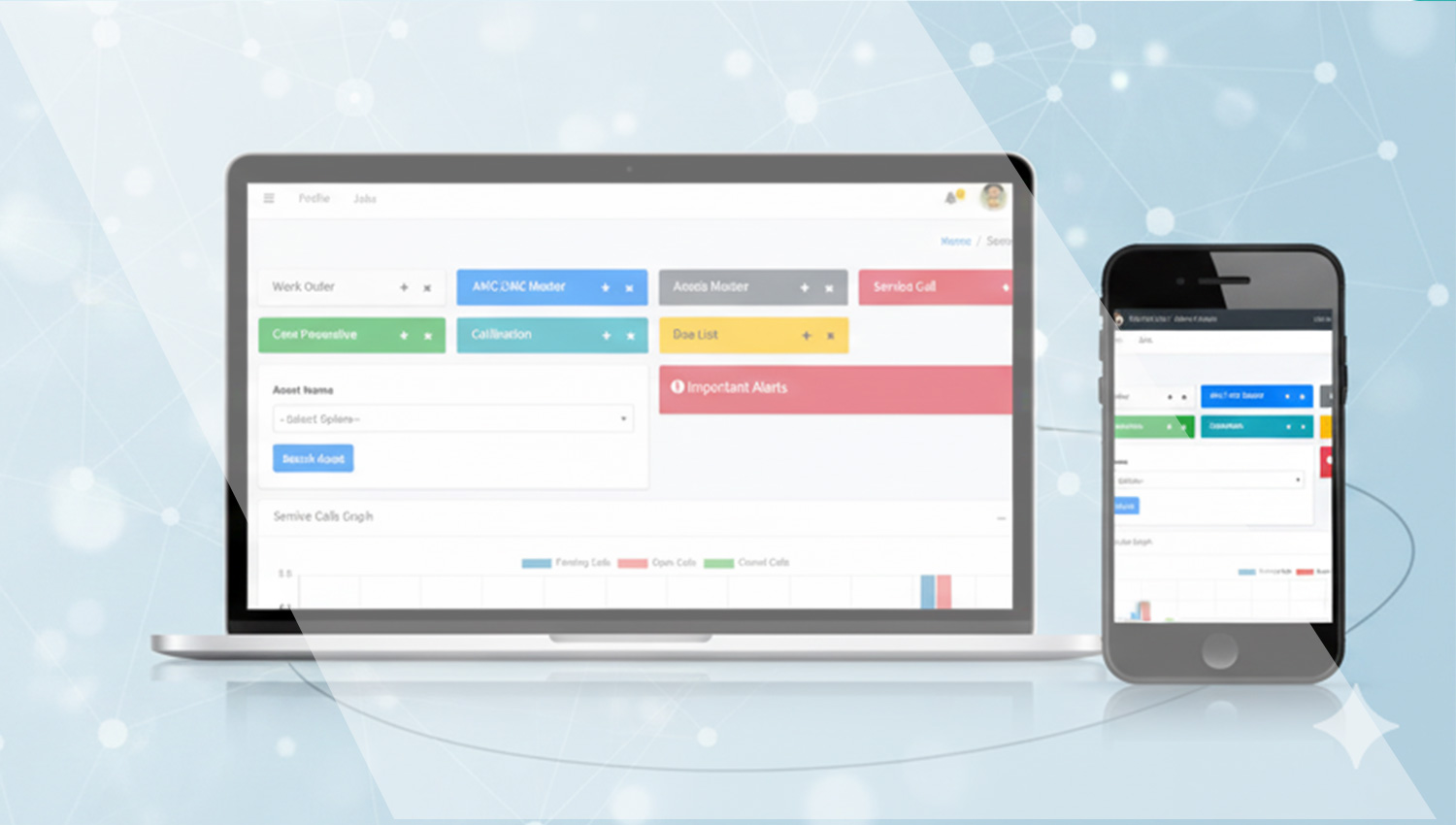
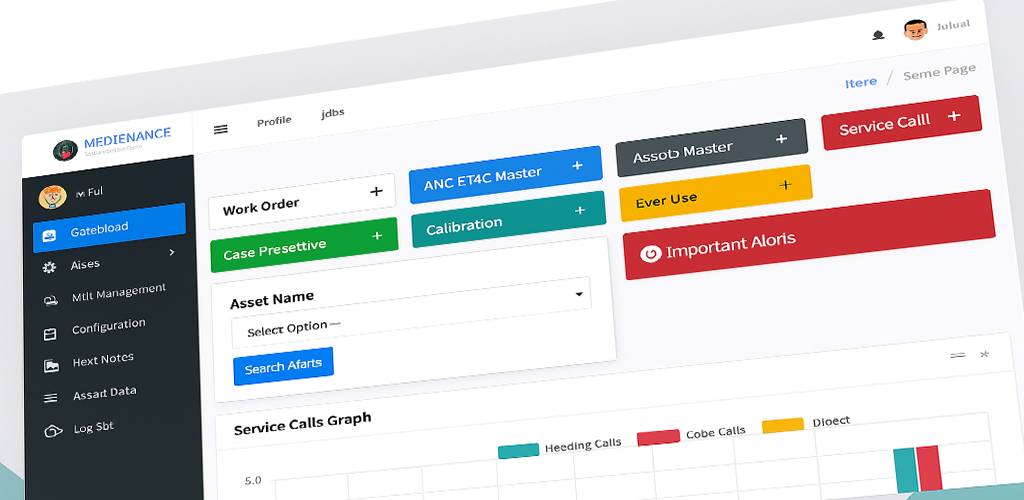
The Reports Management module provides customizable reports across all modules—assets, service, inventory, and finance.

Users can select parameters, apply filters, and export data in multiple formats.

It supports scheduled reports, role-based access, and visual dashboards.

Reports can be shared via email or integrated into BI tools.

This module empowers data-driven decision-making.

  • Generate custom reports across modules
  • Apply filters and export formats
  • Schedule recurring reports
  • Integrate with BI dashboards
  • Enable role-based access and sharing

Transfer module

The Transfer module manages the relocation of assets between departments, locations, or custodians.

Users can initiate transfer requests, log approvals, and update asset metadata.

It supports digital handover forms, condition checks, and notifications.

Transferred assets are tracked with timestamps and updated ownership records.

This module ensures traceability and accountability during asset movement.

  • Initiate and approve asset transfers
  • Log condition and handover details
  • Update asset location and custodian
  • Generate transfer reports
  • Notify stakeholders automatically

License Master

The License Master module tracks software licenses, certifications, and regulatory permits across the organization.

Users can log license keys, validity dates, renewal alerts, and vendor details.

It supports document uploads, compliance checks, and usage audits.

Licenses can be linked to assets, users, or departments for accountability.

This module ensures legal compliance and operational continuity.

  • Track license keys and validity
  • Set renewal alerts and reminders
  • Upload certificates and permits
  • Link licenses to assets or users
  • Audit usage and compliance

Budget Entry

The Budget Entry module allows finance teams to allocate funds for asset acquisition, maintenance, and operations.

Users can define budget categories, fiscal periods, and approval workflows.

Each entry is linked to modules like AMC, Inventory, and Procurement for tracking.

It supports variance analysis, forecasting, and audit trails.

This module ensures financial discipline and strategic planning.

  • Define and allocate budgets
  • Track actual vs planned spend
  • Link budgets to operational modules
  • Enable approvals and audit logs
  • Support forecasting and variance analysis

Inventory Master module

The Inventory Master module tracks consumables, spare parts, and stock levels across locations and departments.

Users can log incoming stock, usage, reorder levels, and vendor details.

It supports barcode scanning, batch tracking, and expiry alerts.

Inventory is linked to work orders and preventive care for seamless replenishment.

This module ensures availability and reduces wastage.

  • Track stock levels and usage
  • Set reorder thresholds and alerts
  • Log vendor and batch details
  • Integrate with maintenance workflows
  • Support barcode and QR scanning

✅ Asset Acceptance

The Asset Acceptance module formalizes the handover of newly acquired or serviced assets into operational custody.

Users can log acceptance dates, responsible personnel, and condition reports.

It supports digital signatures, inspection checklists, and linked documentation.

Accepted assets are automatically registered in the Assets Master module.

This module ensures accountability and readiness before deployment.

  • Log asset handover and acceptance
  • Attach inspection and condition reports
  • Capture digital signatures
  • Link to procurement and service records
  • Auto-register accepted assets

Demonstration

The Demonstration module tracks product demos, training sessions, and technical walkthroughs conducted for clients or internal teams.

Users can schedule demos, assign presenters, and log attendee feedback and outcomes.

Each demo record includes topic, duration, location, and linked assets or services.

It supports multimedia uploads, presentation decks, and follow-up actions.

This module enhances client engagement and internal knowledge sharing.

  • Schedule and manage demo sessions
  • Track attendees and feedback
  • Upload decks and recordings
  • Link demos to assets or services
  • Generate follow-up tasks and reports

AMC/CMC Module

The AMC/CMC module manages Annual and Comprehensive Maintenance Contracts with vendors and service providers. It ensures coverage and accountability for critical assets.

Contracts are linked to assets and service calls, with renewal alerts and performance tracking.

Users can monitor service levels, vendor response times, and contract compliance.

Budgeting tools help forecast costs and allocate resources efficiently.

This module supports strategic vendor management and operational continuity.

  • Track AMC/CMC contracts and renewals
  • Link contracts to assets and service calls
  • Monitor vendor performance
  • Automated expiry alerts
  • Budget forecasting and cost tracking

Preventive Care (PM)

Preventive Care ensures assets are maintained proactively to avoid breakdowns and extend lifespan. It supports scheduled maintenance plans and compliance tracking.

Users can define maintenance cycles, assign tasks, and monitor completion across asset categories.

Checklists, reminders, and historical logs help ensure consistency and regulatory adherence.

Integration with Work Orders and Inventory ensures parts and personnel are available when needed.

This proactive approach reduces costs and improves reliability.

  • Scheduled maintenance planning
  • Compliance and checklist tracking
  • Automated reminders and alerts
  • Maintenance history logs
  • Integration with inventory and work orders